How to Check Your Aliv Balance (2026 Guide)
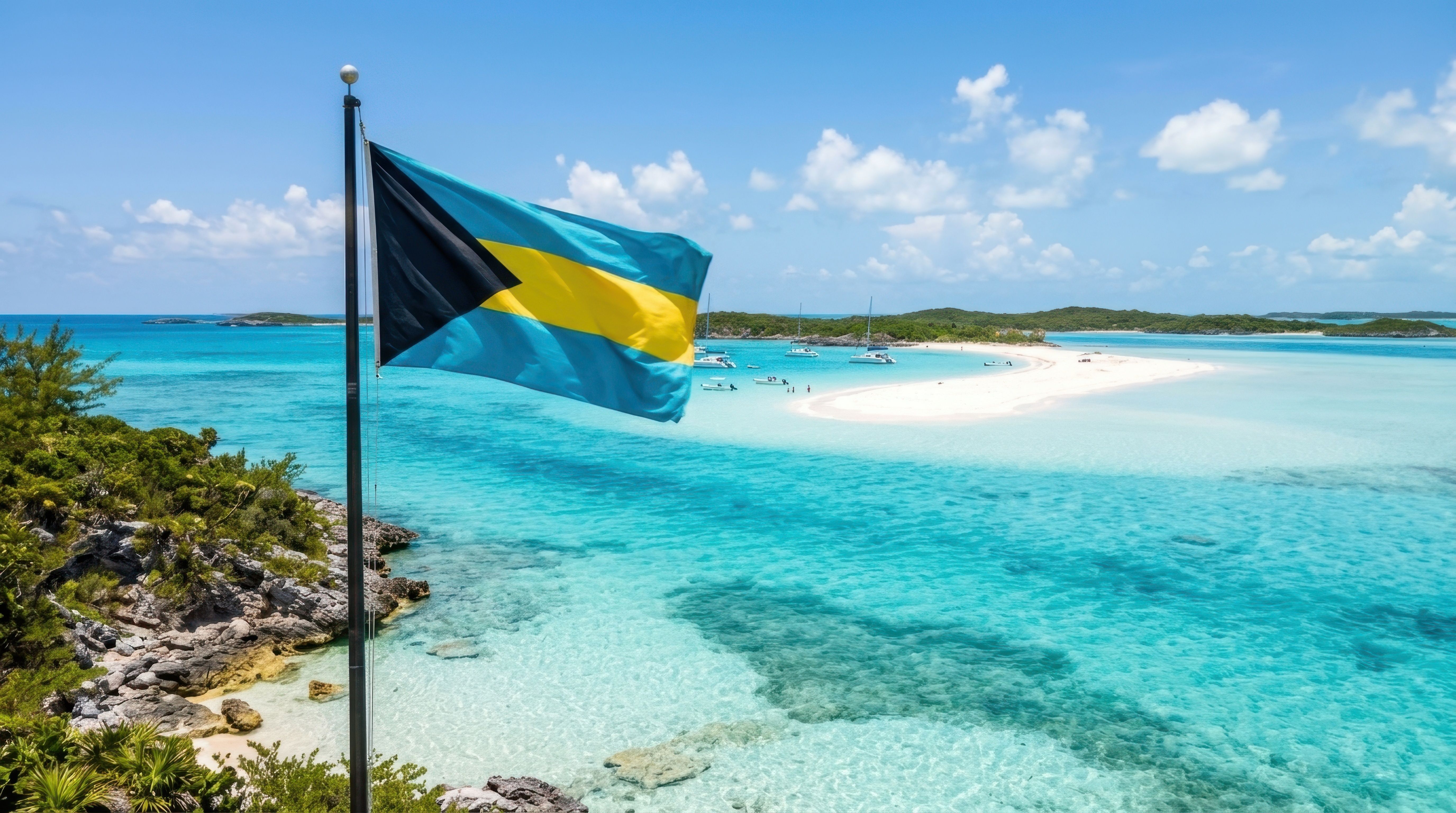
Check your Aliv credit, mobile data, and prepaid balance in just a few simple steps.
Need to know how much credit you have left on your Aliv phone? You can check your Aliv Bahamas balance by dialing *201# from your Aliv phone or by signing in to the MyALIV app. The app also lets you view your remaining mobile data, talk, and text allowances.
Whether you're checking your own balance in the Bahamas or helping a family member stay connected from abroad, this guide explains how to check your credit, monitor your data usage, and recharge your Aliv number when you're running low.
How to Check Your Aliv Balance Using *201#
The easiest way to check your remaining Aliv prepaid credit is by using the network's balance-check code.
Follow these steps:
Open the phone dialer on your Aliv mobile phone.
Dial *201#.
Press the call button.
Follow any instructions that appear on your screen.
Review your available credit balance.
Aliv officially identifies *201# as its credit-balance short code.
This method is especially useful when you want to check your balance without opening an app.
If you use a phone with two SIM cards, make sure the request is sent using your Aliv SIM.
How to Check Your Aliv Balance Using the MyALIV App
If you'd like more information about your prepaid account, the MyALIV app is another convenient option.
Instead of checking only your remaining credit, you can also monitor how much mobile data, talk time, and text allowance you have left.
Steps to check your balance in MyALIV
Download the MyALIV app from the Google Play Store or Apple App Store if you haven't already.
Open the app on your smartphone.
Sign in with your Aliv mobile number and password.
Complete the security verification if prompted.
Open your account or plan information.
Review your available credit, data, and other plan allowances.
The app also lets you monitor usage, review purchase history, buy add-ons, and manage your Aliv account.
If you regularly purchase data bundles or prepaid plans, checking the app can give you a clearer picture of what's available before your next recharge.
How to Check Your Aliv Data Balance
Checking your remaining mobile data is particularly helpful if you use your phone for WhatsApp, browsing, video calls, or staying connected on social media.
Your regular prepaid credit and your available data allowance are not necessarily the same thing.
For example, you might still have some airtime available while your current data plan is running low.
To check your Aliv data balance:
Open the MyALIV app.
Sign in to your account.
Navigate to your current plan and usage information.
Look for your remaining mobile data allowance.
Review your plan details to understand when your current benefits expire.
You can also review your remaining talk and text allowances through the app.
Aliv confirms that the MyALIV app supports tracking data, talk, text, and top-up usage.
What is the difference between *201# and *200#?
These Aliv short codes serve different purposes.
- *201#: Check your available Aliv credit balance.
- *200#: Access Aliv's prepaid-plan purchasing options.
- 611: Contact Aliv Customer Care.
If you're trying to find out how much mobile data you have left, the MyALIV app is the recommended option because it provides information about your plan allowances.
Can You Check Your Aliv Balance While Outside the Bahamas?
Yes. Aliv confirms that customers can check their credit balance while roaming by dialing *201#.
You can also use the MyALIV app to review your account when you have an internet connection.
This can be helpful if you're traveling abroad and need to make sure you have enough credit or an appropriate roaming plan.
Before using your phone outside the Bahamas, it's worth reviewing your roaming plan and available benefits. Your regular domestic data allowance may not include the same coverage or usage benefits when traveling internationally.
Running Low on Aliv Credit? Here's How to Top Up
If your Aliv balance is running low, you don't have to wait until you're completely out of credit to recharge.
You can add prepaid credit through Aliv stores, authorized distributors, or online.
If you're outside the Bahamas, eTopUpOnline makes it easy to send Aliv credit to a family member or friend back home.
For example, if your mother in Nassau needs additional prepaid balance, you can send a top-up from the United States without asking her to visit a store.
How to top up Aliv Bahamas online
Visit the Aliv Bahamas top-up page on eTopUpOnline.
Enter the recipient's Aliv prepaid mobile number.
Choose an available recharge amount.
Review the phone number and order details.
Complete your payment securely.
Ask the recipient to check their updated balance.
Successful top-ups are sent instantly by eTopUpOnline, although the mobile operator may occasionally take additional time to credit the receiving account.
Important: Double-check the Aliv number before completing your purchase. Once a successful top-up has been sent, it cannot be reversed or refunded.
Whether you're adding credit to your own phone or helping someone in the Bahamas stay connected, online top-ups can make the process more convenient.
What to Do If Your Aliv Balance Isn't Showing
Having trouble checking your remaining balance? Here are some common situations and what you can do.
The *201# code isn't working
First, confirm that you're dialing from a phone using an active Aliv SIM.
If you have a dual-SIM phone, make sure Aliv is selected for the request.
You can also try moving to an area with better mobile reception and dialing the code again.
If the problem continues, open the MyALIV app or contact Aliv Customer Care for assistance.
Your balance hasn't changed after a top-up
If you've recently received a recharge but your balance still shows the previous amount, check your balance again and review your account in the MyALIV app.
There can occasionally be a delay between payment confirmation and the mobile operator applying the credit.
If you purchased the recharge through eTopUpOnline and the credit hasn't arrived, review your transaction confirmation and contact eTopUpOnline Support with your order number.
Your data balance looks different from your credit balance
This can happen because prepaid airtime and mobile data allowances are separate account benefits.
A regular top-up adds prepaid credit, while an active plan may include its own data, calling, and messaging allowances.
Use the MyALIV app to review the details of your current plan before purchasing additional credit or data.
You can't sign in to the MyALIV app
Check that you're entering the correct phone number and password.
If you've forgotten your password, use the app's password recovery option.
Aliv explains that password resets require access to the email address linked to your Aliv account.
If you no longer have access to that email, contact Aliv for help updating your account information.
Aliv Bahamas Balance Check FAQs
What is the code to check my Aliv balance?
Dial *201# from your Aliv phone to check your available credit balance. This is the balance-check short code confirmed by Aliv.
How do I check my Aliv data balance?
Open the MyALIV app and sign in to your account. You can view your remaining data allowance, talk time, and text benefits under your plan or usage information.
Can I check my Aliv balance without downloading an app?
Yes. If you want to check your prepaid credit balance, you can dial *201# directly from your Aliv phone.
Can I check someone else's Aliv balance?
The *201# code checks the balance associated with the Aliv line you're using. If you're sending a top-up to a family member, ask them to check their balance and confirm whether the credit has arrived.
Can I check my Aliv balance while roaming?
Yes. Aliv confirms that *201# can be used to check your credit balance while roaming. You can also review your credit through the MyALIV app.
Why is my Aliv balance different from my remaining data?
Your prepaid credit balance and your data-plan allowance are separate. You may still have available credit even when your data allowance is low. Check your current plan in the MyALIV app for more information.
How do I contact Aliv Customer Care?
You can dial 611 from your Aliv phone or contact Aliv Customer Care at (242) 302-2548 for assistance with your mobile account.
Can someone in the United States send me Aliv credit?
Yes. Someone living in the United States, Canada, the UK, or another supported country can use eTopUpOnline to recharge an eligible Aliv prepaid number in the Bahamas.
They simply need the correct mobile number and an accepted payment method.
Stay Connected with an Aliv Bahamas Top-Up
Checking your Aliv balance is simple once you know where to look.
Dial *201# when you need to see your remaining prepaid credit, or use the MyALIV app when you want more details about your data, calling, and text allowances.
And if your balance is getting low, you can easily add more credit online.
Whether you're topping up your own phone or sending a little help to someone you love in the Bahamas, eTopUpOnline helps you stay connected from wherever you are.
Ready to recharge?
Send Aliv Bahamas credit online with eTopUpOnline.
Looking for another Bahamian operator? You can also send BTC Bahamas credit or explore all Bahamas top-up options.